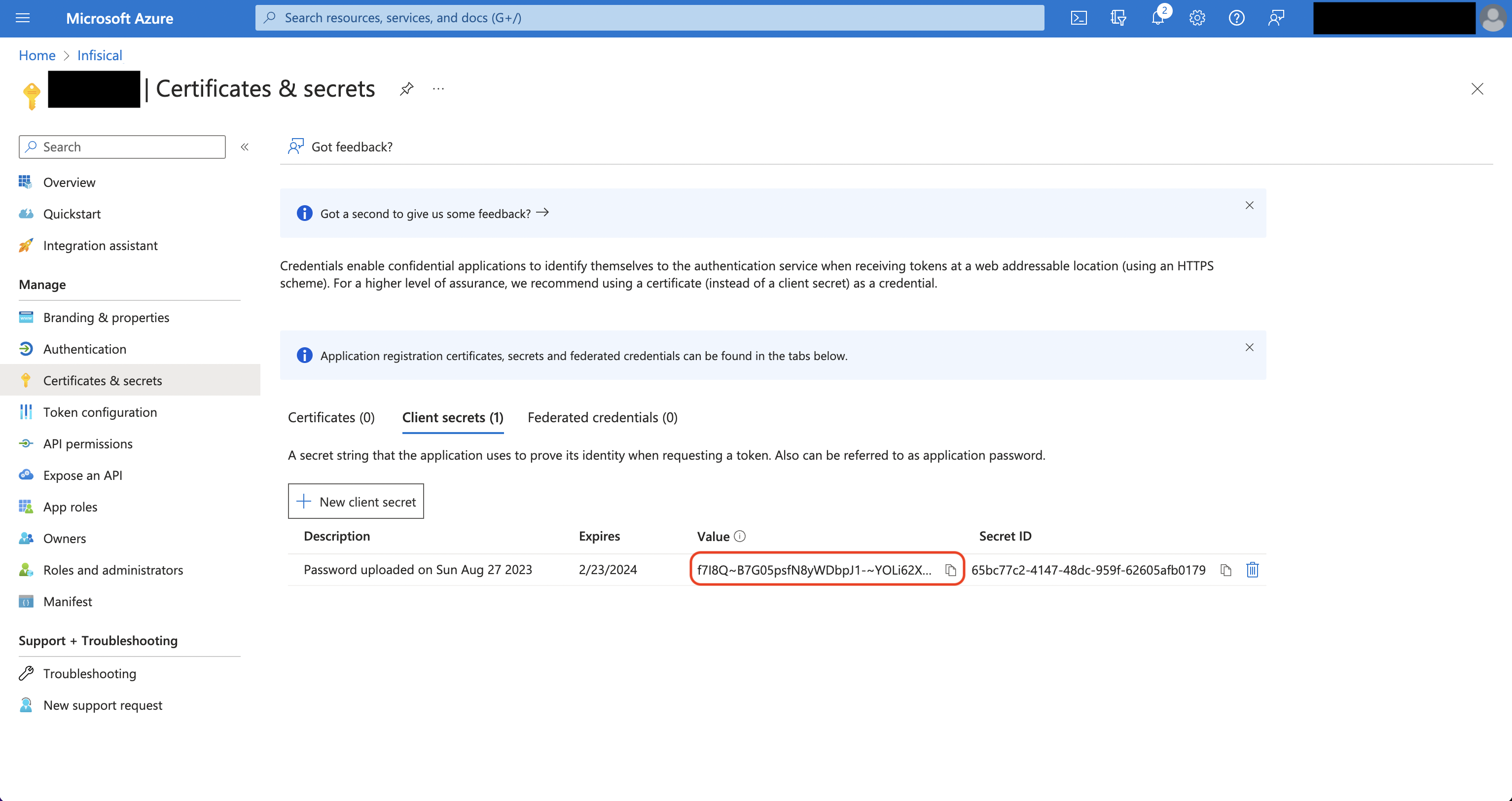

- Usage
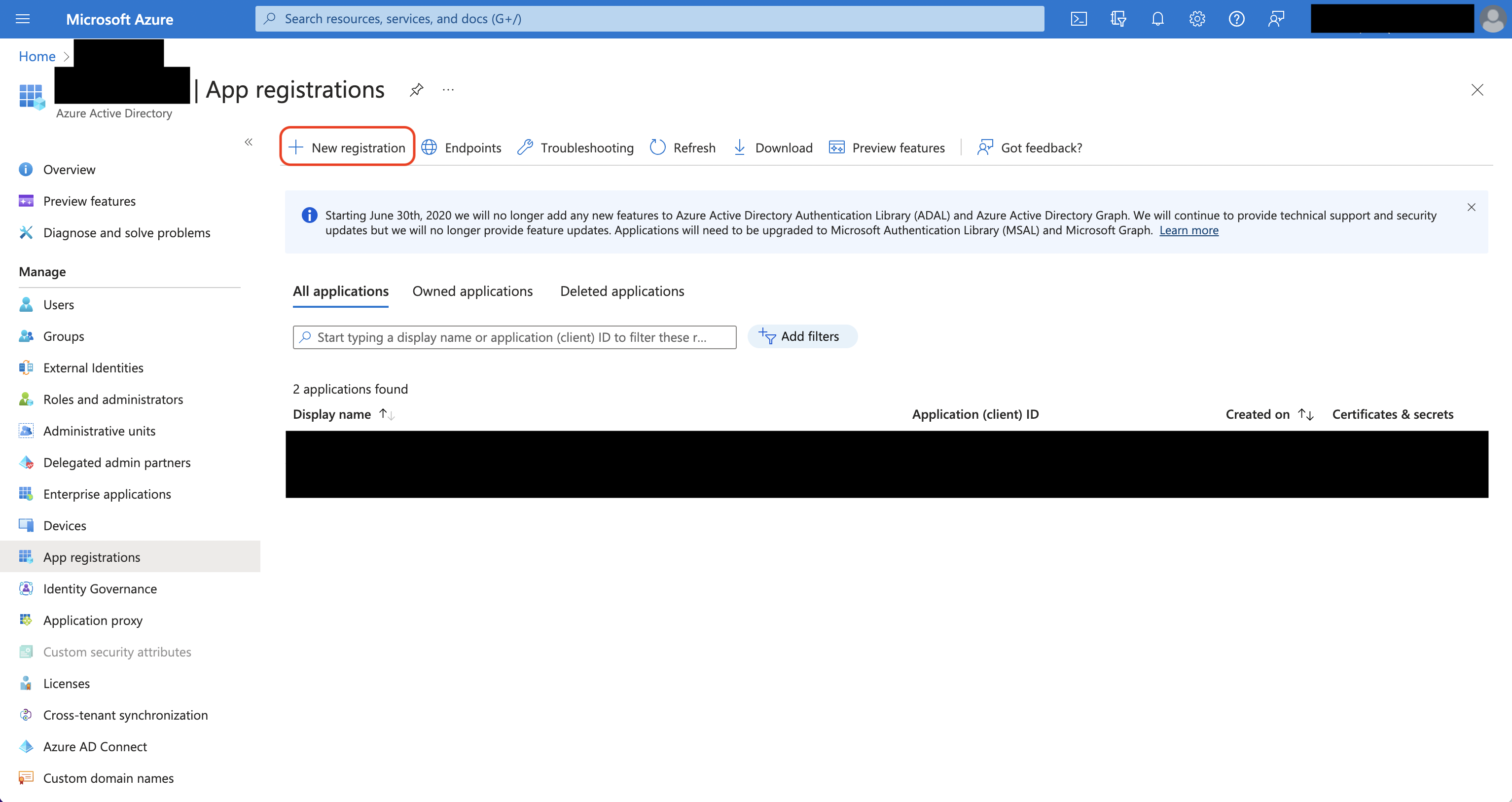
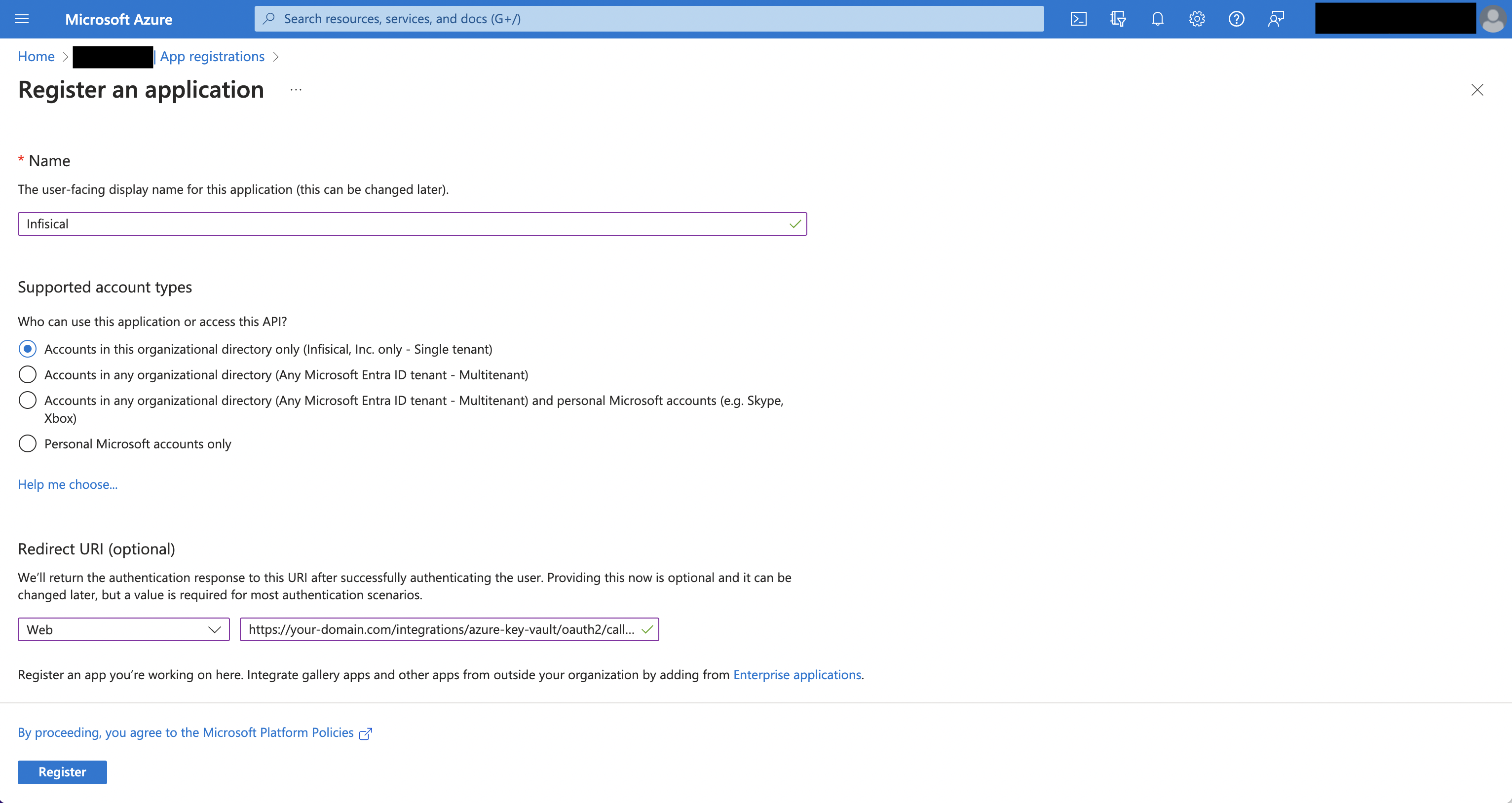
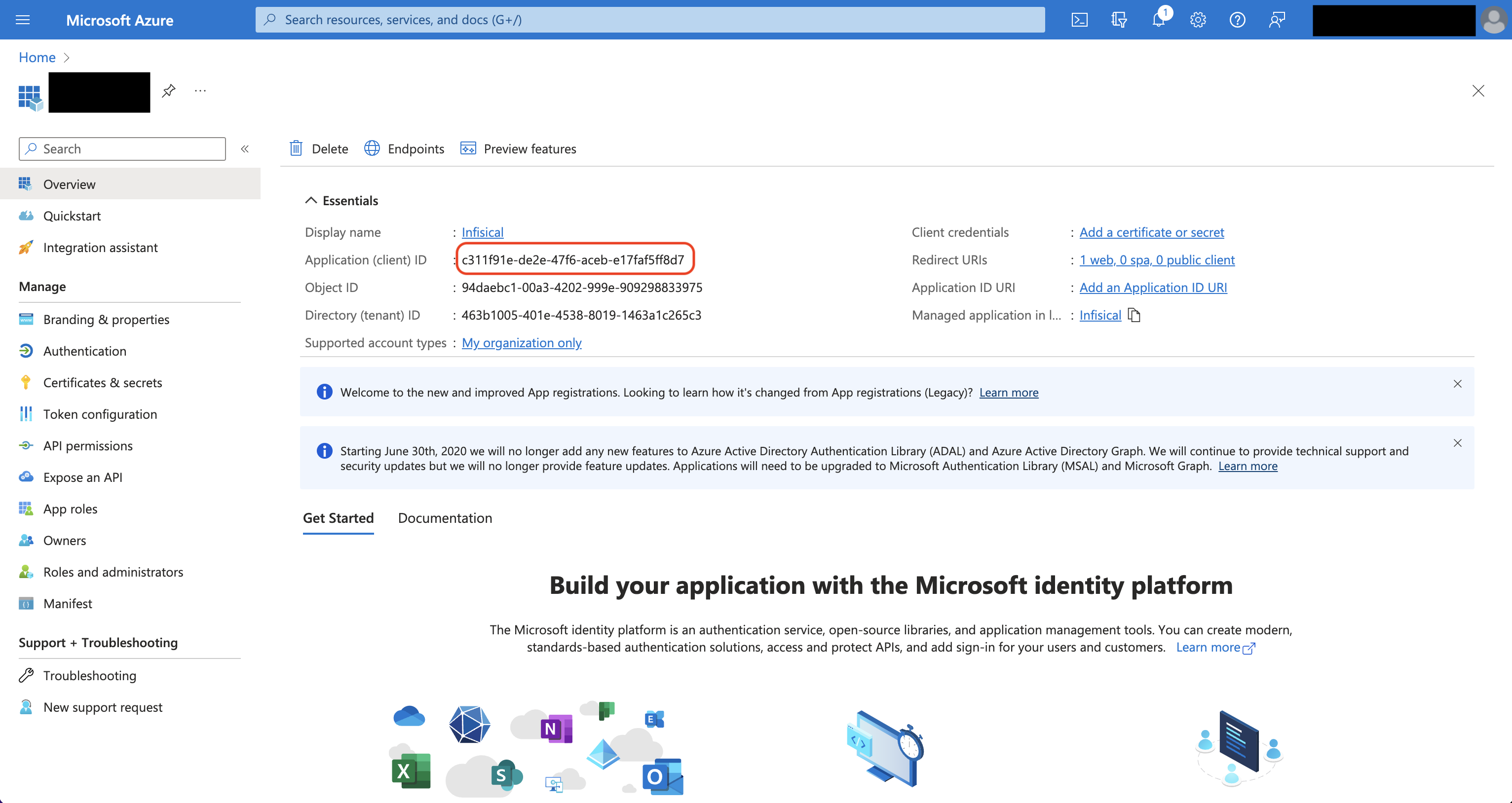
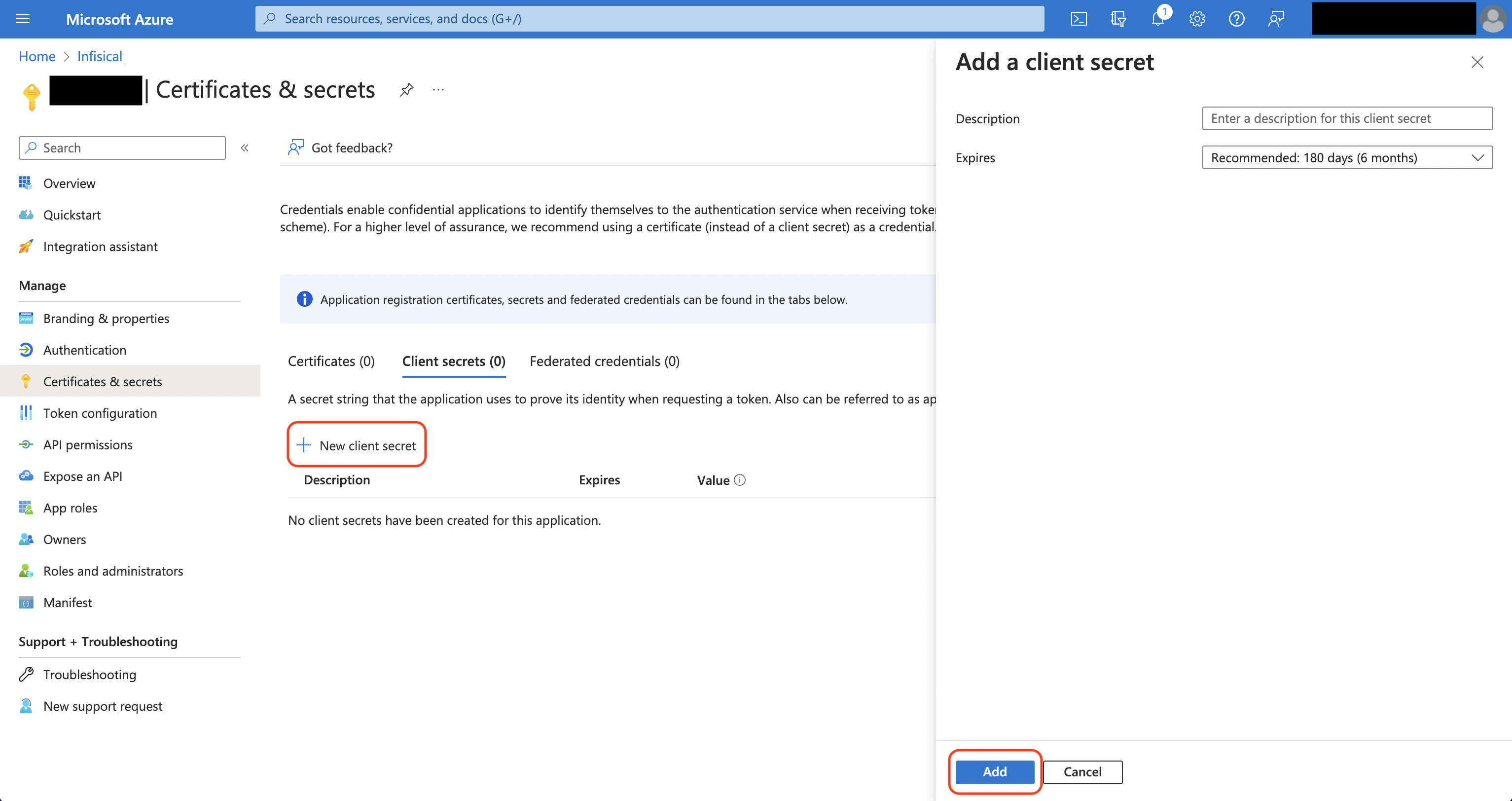
- Self-Hosted Setup
Prerequisites:
- Set up and add envars to Infisical Cloud
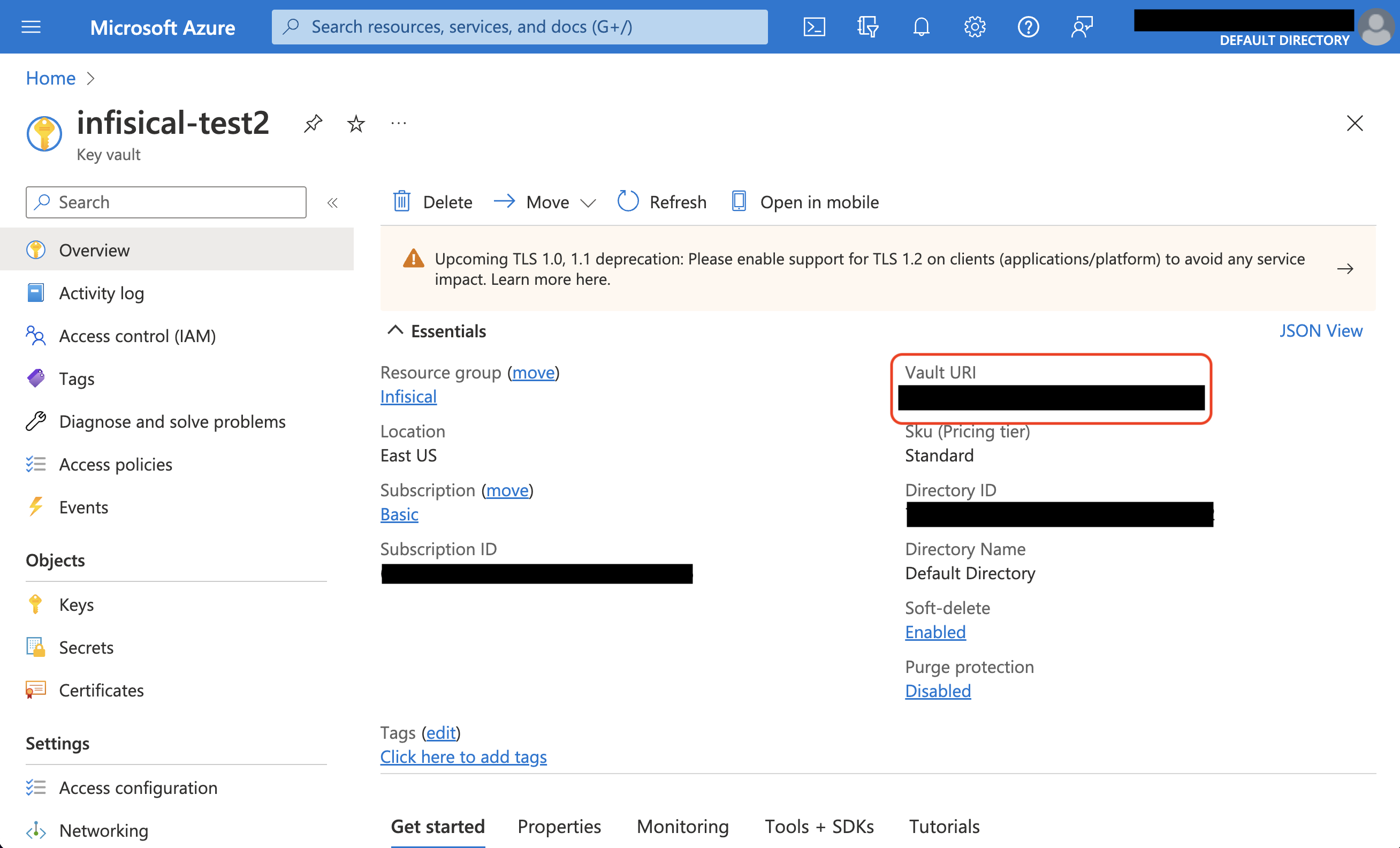
- Set up Azure and have an existing key vault
Authorize Infisical for Azure Key Vault
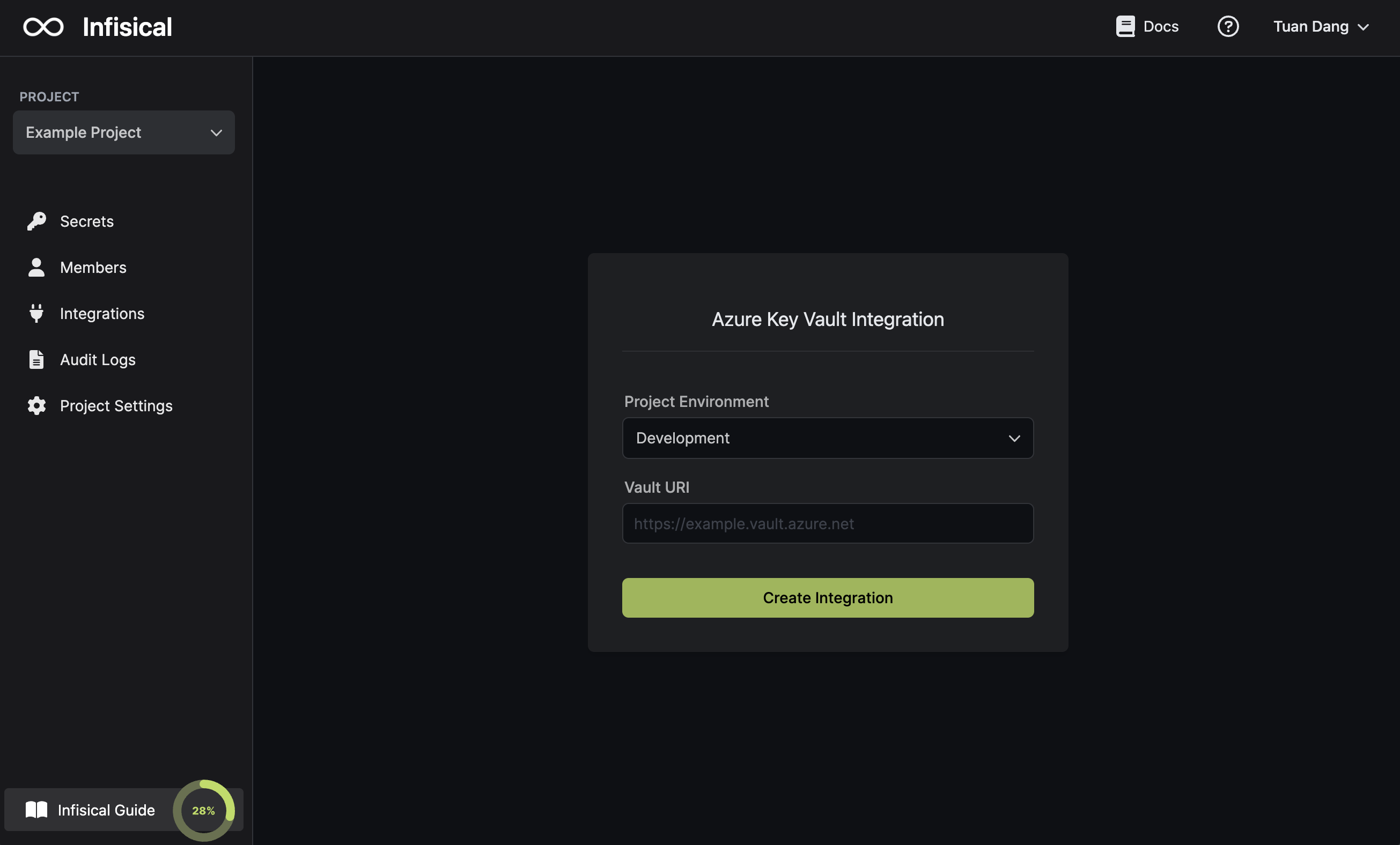
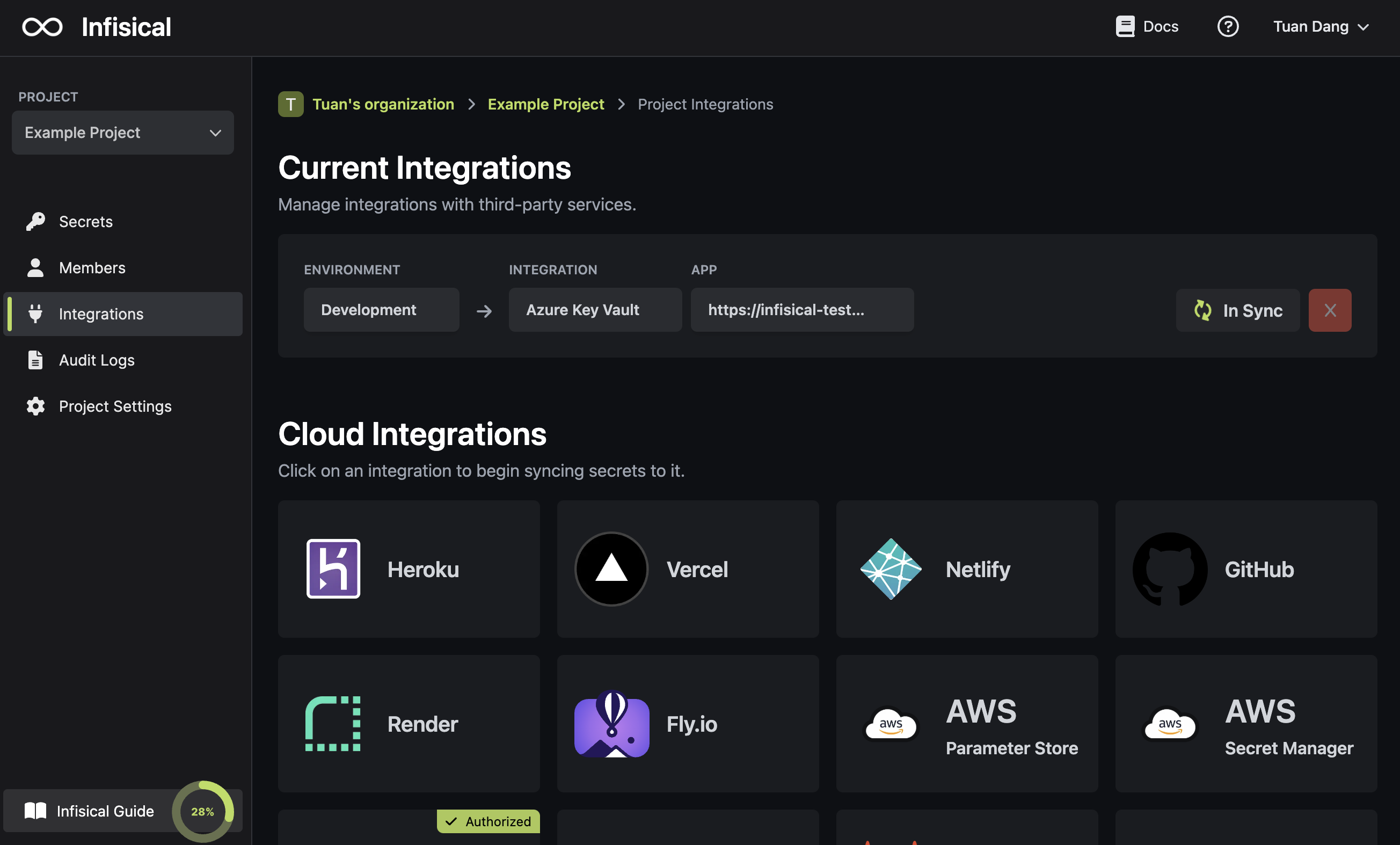
Navigate to your project’s integrations tab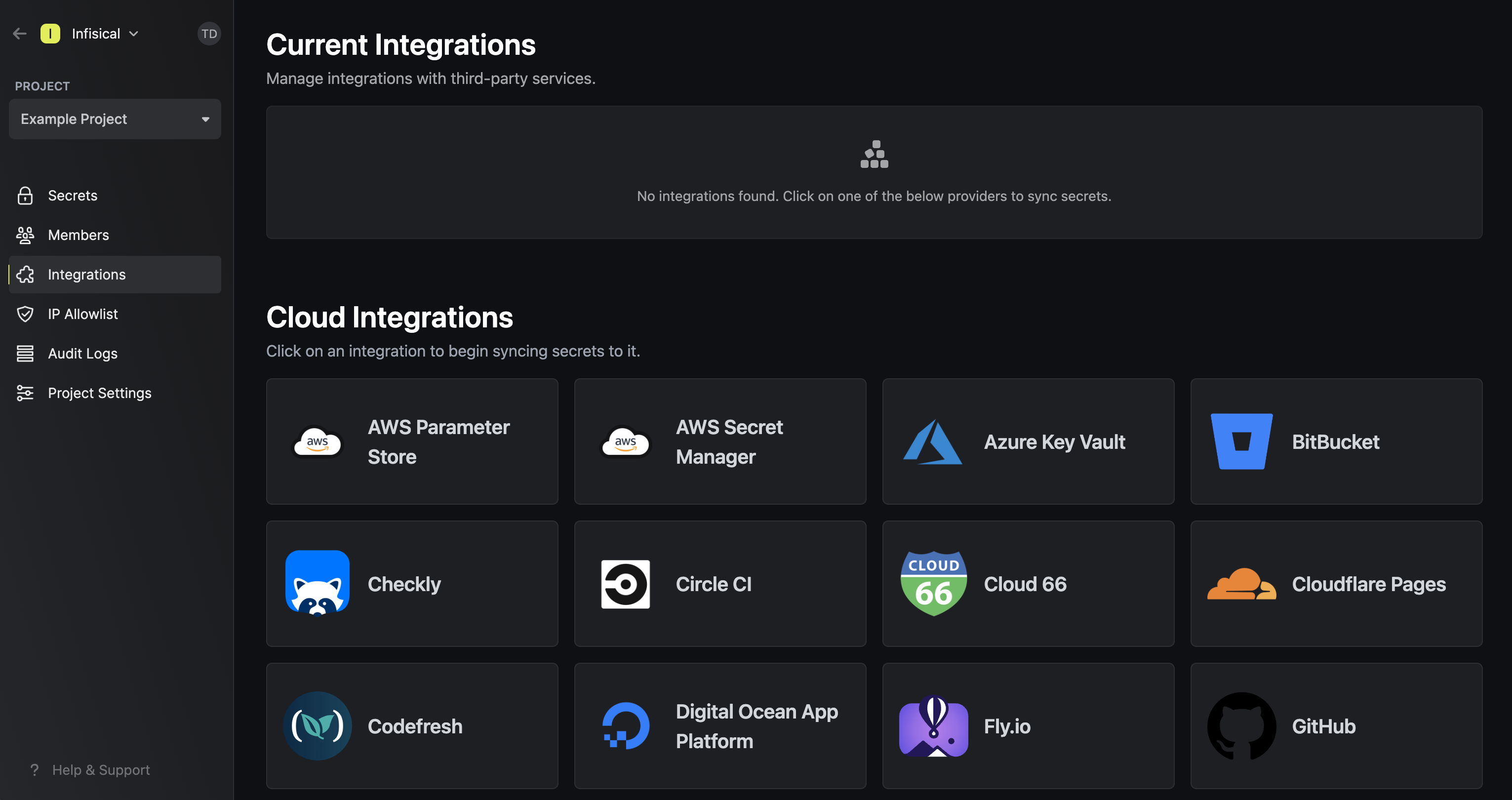 Press on the Azure Key Vault tile and grant Infisical access to Azure Key Vault.
Press on the Azure Key Vault tile and grant Infisical access to Azure Key Vault.